
Infotainment Screen Frozen Or Lagging? How To Restart Android Auto And Apple CarPlay


- A simple restart can often fix a frozen infotainment screen
- Android Auto and Apple CarPlay need different troubleshooting steps
- Repeated freezing may point to a cable, software or system issue
Modern infotainment systems handle navigation, music, phone calls, vehicle settings and smartphone connections. So when the screen freezes or starts lagging, it can quickly become frustrating, like when you are trying to use navigation or make a call.
Before resetting anything, you should first figure out if the problem is with the car's infotainment system or your phone. If the entire screen and car menus have stopped responding, the head unit may need a restart. If the car's menus work normally but Android Auto or Apple CarPlay is frozen, the phone or connection is more likely to be the cause.

Is the Car Screen Frozen or Just Android Auto or Apple CarPlay App?
Try using the car's own controls before doing anything else. This will help you understand whether the problem is with the car or your phone.
| What You Notice | Likely Problem | What to Try |
| Touchscreen and infotainment controls do not respond | Car's infotainment system | Restart the system |
| Car menus work, but Android Auto is frozen | Android Auto or phone | Disconnect and reconnect |
| Car menus work, but Apple CarPlay is frozen | CarPlay or iPhone | Disconnect and reconnect |
| Connection keeps dropping with a cable | USB cable or port | Try another good-quality cable or port |
| Wireless connection keeps dropping | Phone or wireless connection | Restart the phone and reconnect |
| Problem keeps coming back | Software, cable or hardware issue | Check for updates or get it inspected |
These simple checks can save you from resetting the entire infotainment system when the actual problem is only the phone connection.
Ways to Restart a Frozen Car Infotainment System
If the whole infotainment system has stopped responding, look for a dedicated reset button or reset hole on the head unit. Some Hyundai and Kia systems have a small recessed reset button. On systems that have one, it can be pressed with a thin object to restart the system. The exact location and method depend on the car and infotainment system.
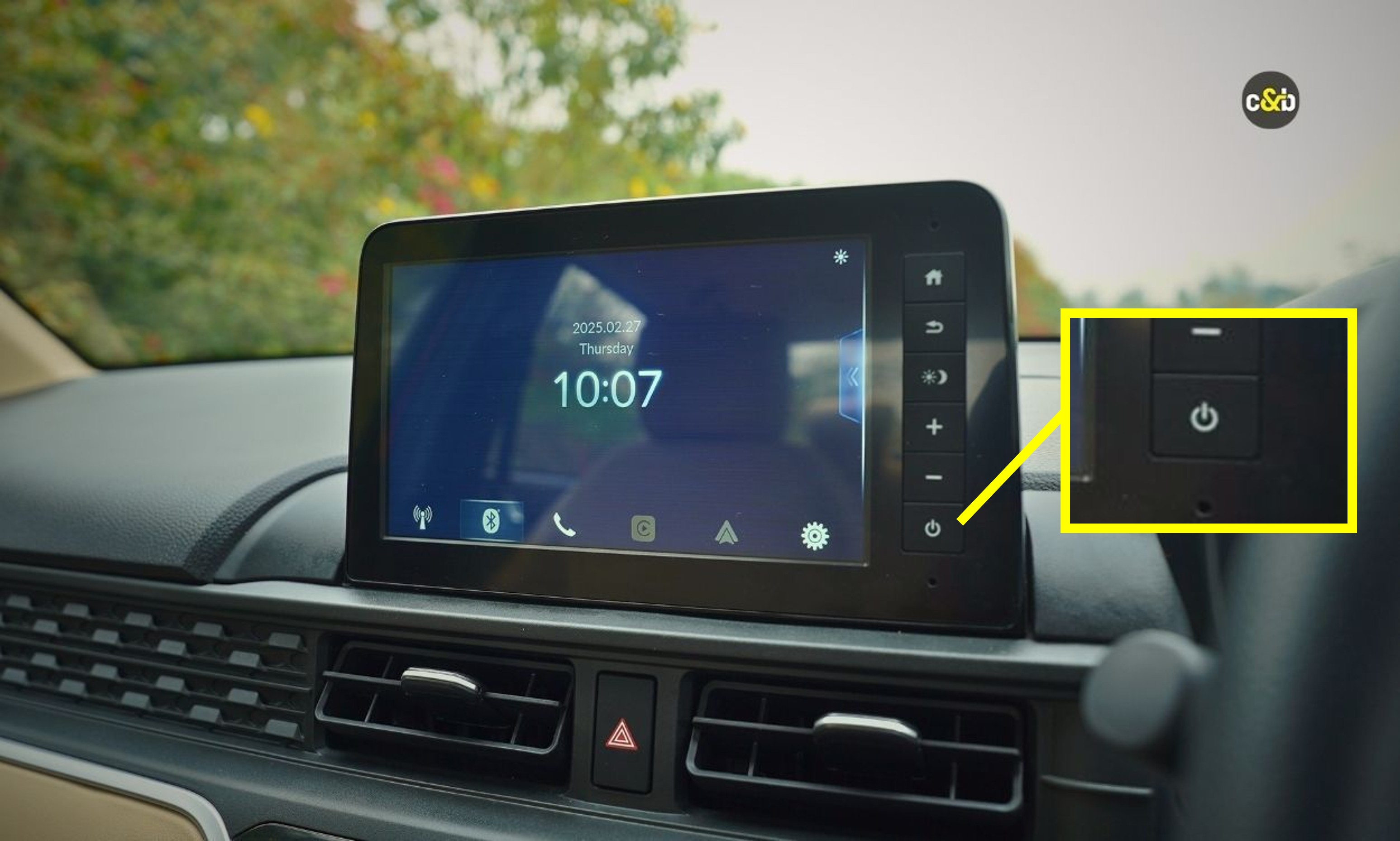
Other manufacturers may use a physical power or volume button to restart the screen. Since these controls vary between models, check your owner's manual before trying a button combination. If the screen is still responding, use the normal power option first. A restart is not the same as a factory reset. A factory reset can remove saved settings and paired devices, so it should not be your first option.
How to Restart Android Auto When It Freezes?
If the car's menus are working but Android Auto has frozen, start with the connection.
Try these steps:
- Disconnect the USB cable if you are using wired Android Auto.
- Wait a few seconds and connect it again.
- If it still does not work, restart your phone.
- For wireless Android Auto, check that Bluetooth and Wi-Fi are switched on.
- Connect the phone again after restarting it.
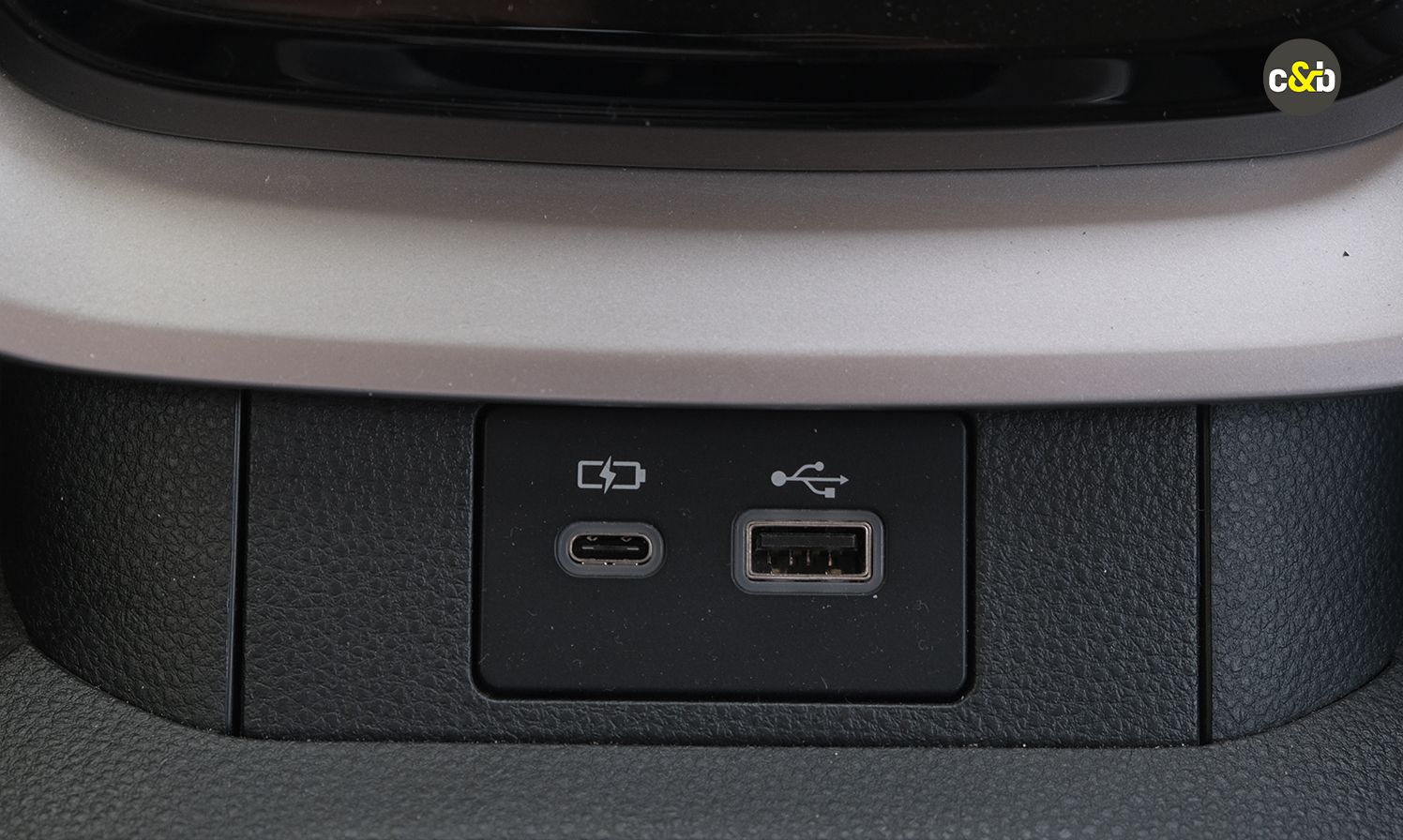
If Android Auto continues to freeze, you can also force-stop the app from your phone's settings. Clearing its cache can also help with some connection problems. If you use wired Android Auto, try another good-quality data cable. A cable can charge the phone while still having problems with data transfer.
What to Do If Apple CarPlay Keeps Lagging or Disconnecting?
Start with the cable or wireless connection before resetting anything on the car. For wired CarPlay, unplug the iPhone and connect it again. If the problem continues, try another compatible USB cable or port.
For wireless CarPlay, make sure Bluetooth and Wi-Fi are switched on. You can also restart the iPhone and the car before trying again. If CarPlay still refuses to connect, remove the car from your iPhone and pair it again:
Settings → General → CarPlay → Select your car → Forget This Car
Then set up CarPlay again.
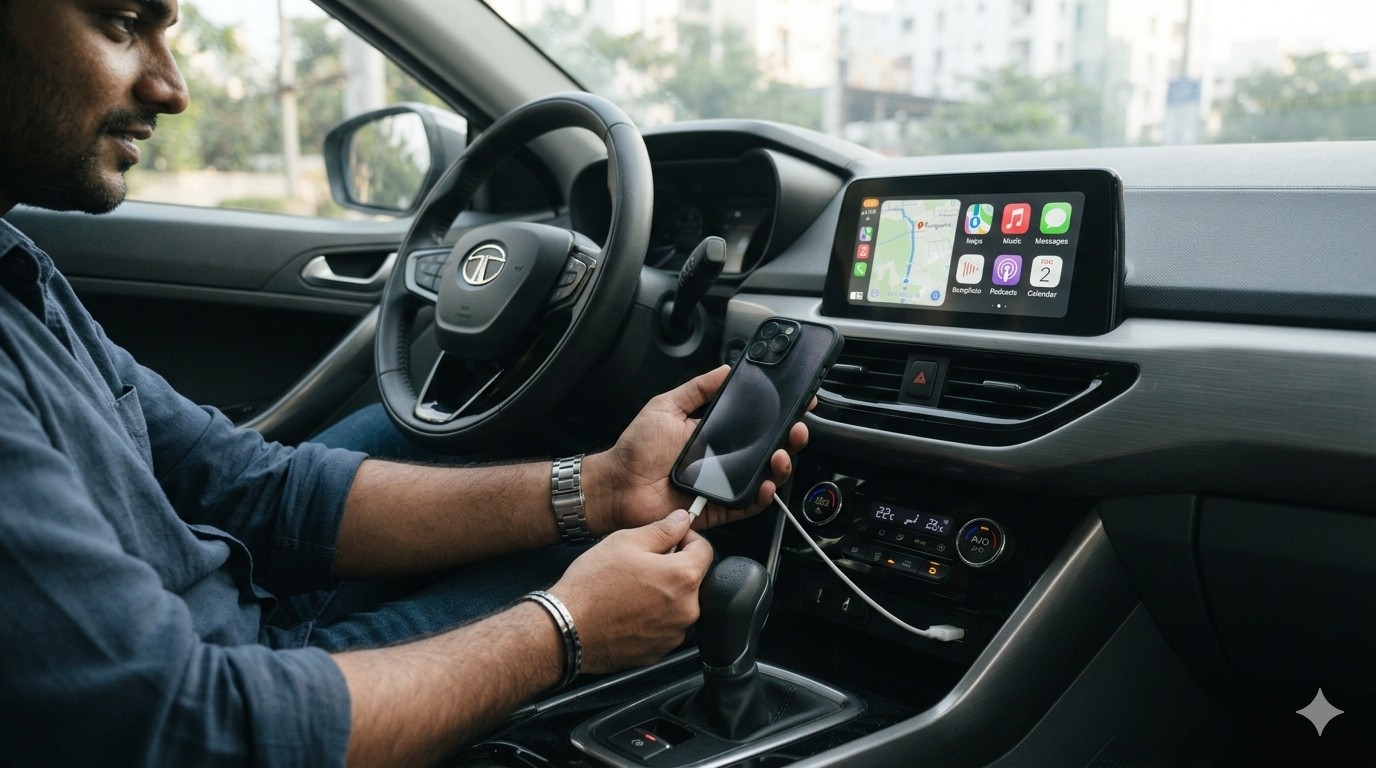
Check the USB Cable Before Blaming the Infotainment System
A bad or worn-out USB cable can cause Android Auto and CarPlay to freeze or disconnect. The phone may still charge even when the data connection is not working properly. So seeing the charging symbol does not always mean the cable is fine. If the connection keeps dropping, try another good-quality data cable. If your car has another compatible USB port, try that as well.
Why Does Android Auto or CarPlay Keep Disconnecting?
If everything works after a restart but the problem keeps coming back, look at the connection and software.
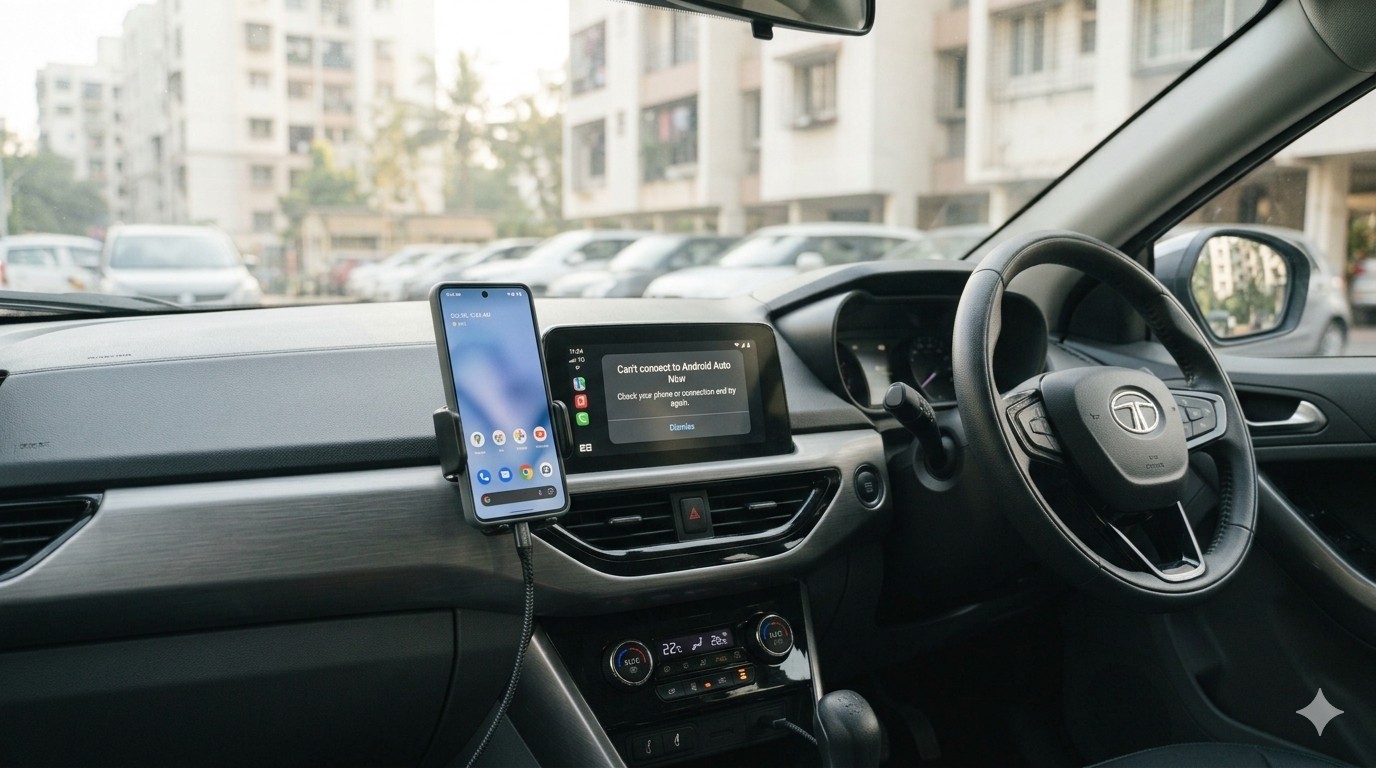
Some common causes include:
- A damaged or poor-quality USB cable
- A faulty USB port
- Phone software or app problems
- Outdated infotainment software
- Problems with Bluetooth or Wi-Fi
- Compatibility issues between the phone and car
If the same problem happens with another phone, the car's infotainment system could be the reason.
Should You Factory Reset the Infotainment System?
Not unless you have tried the simpler fixes first. A factory reset is different from restarting the system. It can remove saved settings, paired phones and other stored information.
Start with a normal restart. Then reconnect your phone, try another cable if needed and check whether the infotainment system has a software update. If the problem continues, check the owner's manual or get the system inspected.
What If the Infotainment Screen Keeps Freezing?
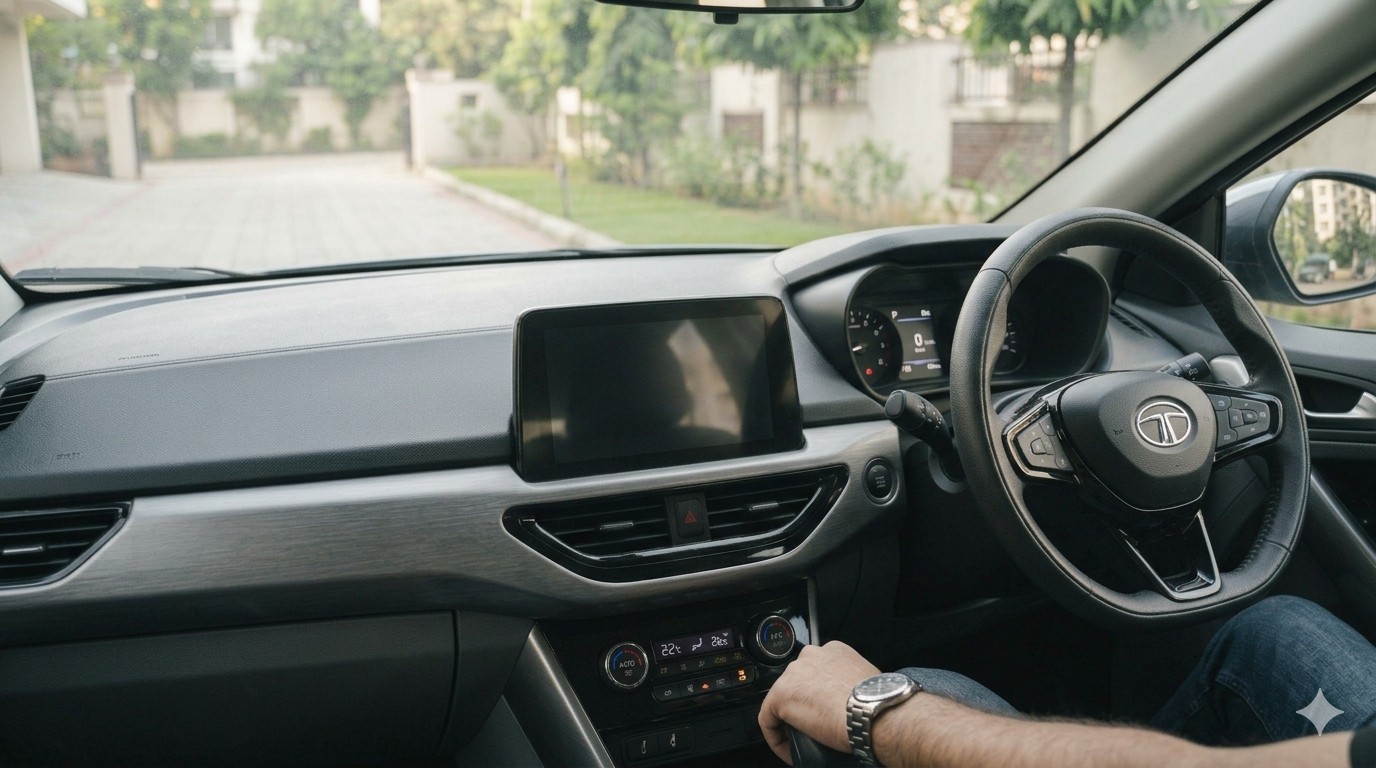
An occasional freeze can simply be a software glitch. But repeated freezing needs more attention. If the screen keeps going black, becomes slow even when no phone is connected, or stops responding to the car's own functions, the problem may be with the infotainment system itself.
The same applies if the reverse camera stops appearing on the screen or the system takes unusually long to start. In these cases, it is better to have the system checked instead of repeatedly restarting it.
Know What to Check Before Visiting the Workshop
You do not always need a workshop just because your infotainment screen freezes once. First check if the car system or phone connection is causing the problem.
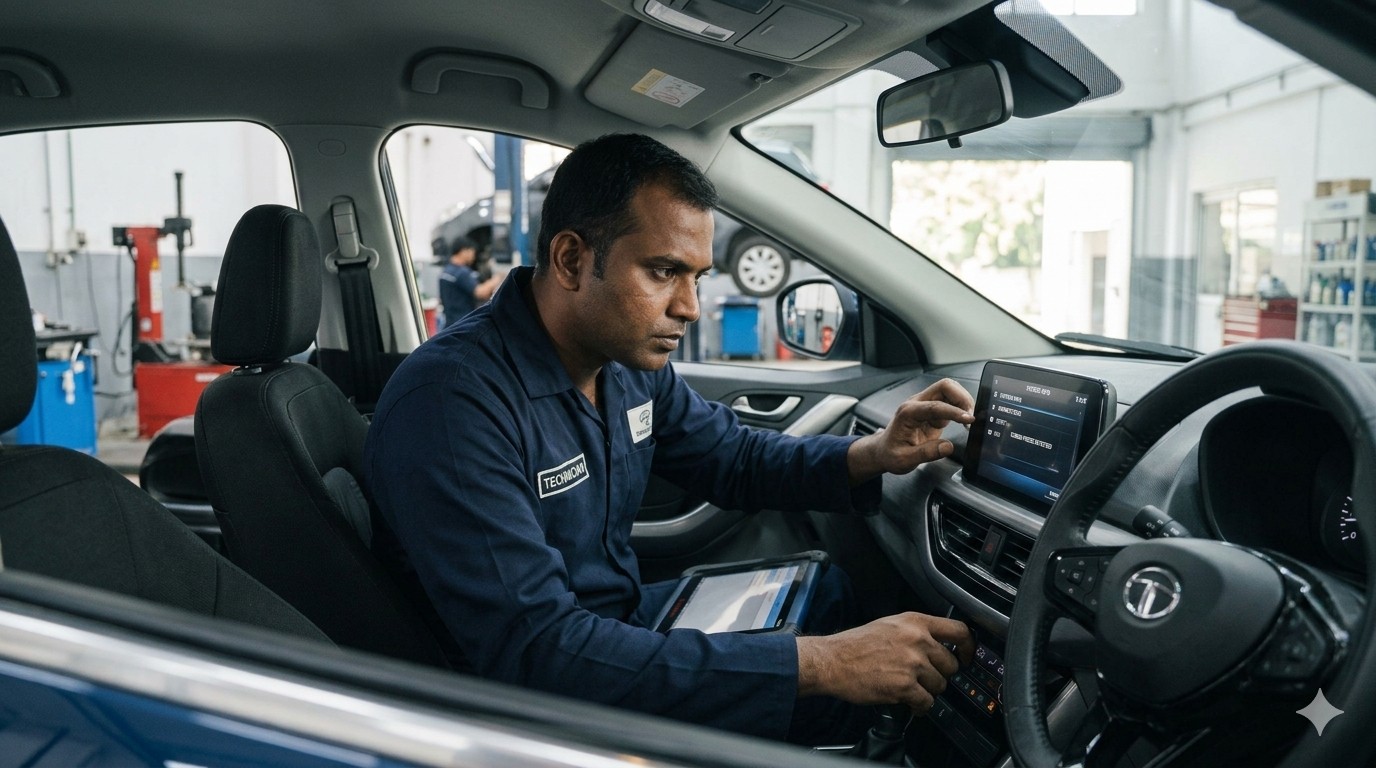
Restart the infotainment system if the entire screen is frozen. If only Android Auto or Apple CarPlay is affected, restart the phone, reconnect the cable or wireless connection and try pairing it again. If the same problem keeps returning, then it is worth checking for software updates or getting the system inspected.
This approach can save time and may fix a simple connection problem without turning it into an unnecessary service visit. If everything still does not work, then the final resort must be visiting the workshop, but in most cases, these simple tips can help fix the problem.
Related News

Latest Cars


Upcoming Cars


Latest News


 car&bike Team | Nov 10, 20263.3 kW Vs 7.2 kW Vs 11 kW EV Chargers: Which Do You Need?Choosing a home EV charger depends on your car, daily driving and home power supply. A 3.3 kW charger works for smaller EVs, while 7.2 kW suits most mid-size electric cars. An 11 kW charger is meant for larger EVs that support three-phase charging.1 min read
 Janak Sorap | Nov 10, 2026India Bike Week 2026 Dates Announced; Festival To Return To Panchgani On December 4-5The two-day motorcycle festival will feature racing events, custom bike showcases, stunt performances, test rides and live music, with rapper Hanumankind among the performers.1 min read
 car&bike Team | Nov 10, 20268 Cars In India For Buyers Living In Narrow Lanes And Tight Apartment Parking Lots: Alto K10, Comet EV, S-Presso & MoreTake a look at eight of the most ideal compact cars in India, built with the intention to effortlessly cut through narrow city streets or slot into tight apartment parking spaces.1 min read
 Sarthak Mahajan | Nov 10, 2026JLR Launches Legal Dispute Against BYD Over Ti7 SUVJLR has dragged BYD into court over its Fang Cheng Bao Ti7 SUV.1 min read
 Janak Sorap | Nov 10, 2026TVS Ntorq 150 Gets New Spectral Green Colour; Exclusive To TFT VariantThe new shade is available exclusively on the scooter’s TFT variant, taking the total number of colour options to four.1 min read
 Janak Sorap | Nov 10, 2026TVS Apache RTR 160 vs Bajaj Pulsar 150 vs Hero Xtreme 160R: Which Bike Fits You?The 150–160cc motorcycle segment offers a good mix of everyday practicality and sporty performance. But should you choose the feature-packed Bajaj Pulsar 150, the performance-oriented TVS Apache RTR 160 or the lightweight Hero Xtreme 160R?1 min read